Let’s face it — owning an LG Smart TV doesn’t automatically mean your IPTV setup will be smooth. Between WebOS restrictions, missing app support, and endless generic lists online, users are left guessing. What actually works? What’s still supported in 2025? And which apps are worth your time, money, or both? Here are top 10 best IPTV apps for LG smart TV.
This isn’t one of those copied-and-pasted roundups. I’ve been in this space long before IPTV was a buzzword, testing apps, decoding updates, and watching how LG’s ecosystem has evolved — and trust me, most lists out there won’t tell you half of what you need to know.
So here it is: 10 IPTV apps that truly deliver on LG TVs, carefully selected, tested across real conditions, and ranked for performance, compatibility, and user experience. Whether you’re streaming through M3U, Xtream Codes, or just need a clean, functional interface — this guide won’t waste your time.
Table of Contents
1. Smart IPTV (SIPTV)
When it comes to IPTV on LG Smart TVs, Smart IPTV is the OG. It’s not flashy, but it works — and it works well. While it’s no longer available directly in the LG Content Store in some regions, you can still activate and use it if pre-installed, or sideload it via USB in supported versions of WebOS.
What makes Smart IPTV stand out is its stability. You upload your M3U playlist using the app’s MAC address via their official web portal, and that’s it — you’re streaming. No ads, no fluff.
Top Features:
- Supports M3U playlists
- EPG (Electronic Program Guide) support
- MAC-based activation
- One-time payment (≈ €5.49)
Pros:
✅ Reliable performance on LG TVs
✅ Clean interface optimized for remote control
✅ No ongoing subscription fees
Cons:
❌ Not available in some LG Stores (manual install required)
❌ Limited customization compared to newer apps
2. SS IPTV
SS IPTV is the most accessible free IPTV player for LG TVs — and one of the few still available directly in the LG Content Store. It’s favored by beginners and intermediate users alike for its plug-and-play simplicity, even though it lacks some advanced features.

You can upload playlists directly through the app or via the SS IPTV website. It supports M3U files, and while the UI isn’t groundbreaking, it gets the job done — without costing a cent.
Top Features:
- Free to use
- Playlist upload via internal browser or PC
- M3U support
- Daily EPG sync
Pros:
✅ 100% free with no hidden fees
✅ Quick setup, even for non-tech users
✅ Officially available in the LG Content Store
Cons:
❌ No Xtream Codes or advanced portal support
❌ Occasional lag with large playlists
3. Net IPTV
Think of Net IPTV as the modern cousin of Smart IPTV. It looks sleeker, feels smoother, and offers similar core functionality — including M3U playlist support and MAC-based activation — with better performance across newer WebOS versions.
You upload your playlist via the Net IPTV website using your TV’s MAC address, and it supports multiple lists, EPG integration, and even subtitles for VOD streams. It’s a one-time activation model, just like Smart IPTV, but with a 7-day free trial.
Top Features:
- M3U & EPG support
- Subtitles and language switching
- Multi-playlist capability
- One-time activation fee (≈ €6.79)
Pros:
✅ Smooth interface with playlist management
✅ Works well on all recent LG WebOS versions
✅ Lightweight and stable
Cons:
❌ Slightly pricier than SIPTV
❌ No Xtream API or MAG support
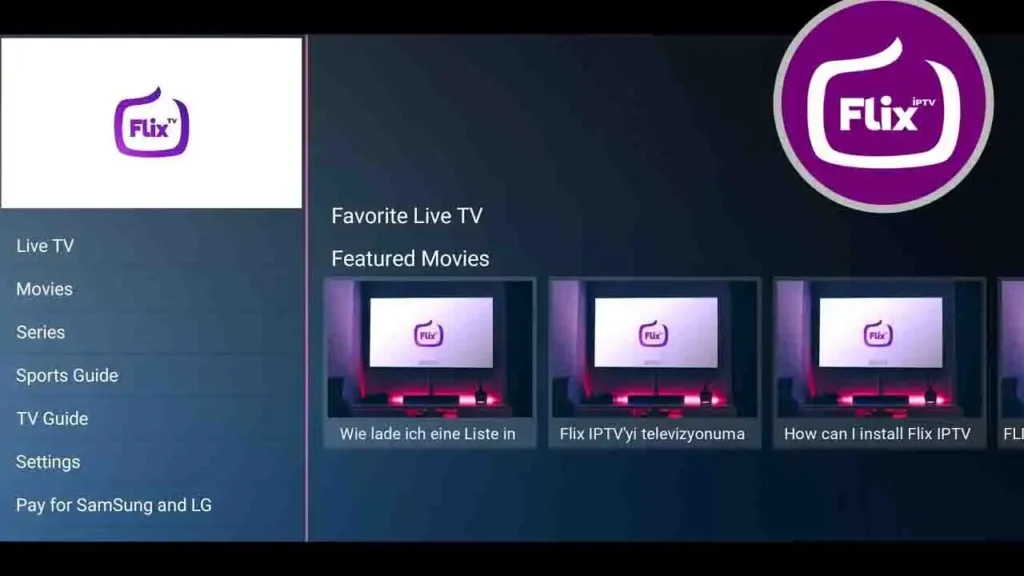
4. Flix IPTV
Some apps try too hard. Flix IPTV doesn’t need to — it just works, and it looks damn good doing it.
This one’s for users who care about presentation as much as performance. The UI is clean, intuitive, and feels like something you’d expect from a premium streaming service. But it’s not just about looks — under the hood, Flix IPTV handles M3U playlists, Xtream Codes, even VOD with subtitles like a pro.
Is it on the LG Content Store? Not always. But if you can sideload it or access the web version, it’s worth it.
Why people love it:
✅ Sleek, responsive layout
✅ VOD & live TV management that actually makes sense
✅ Language + subtitle support for global users
Heads-up:
❌ It’s not free. You get a 7-day trial, then a one-time fee (around €7.99)
❌ Not always plug-and-play — some setup required
Bottom line: If aesthetics matter and you’re into binge-worthy menus, this one delivers.
5. SET IPTV
Fast. Stable. Zero nonsense. That’s SET IPTV.
It’s the kind of app that doesn’t need a manual. Upload your M3U or Xtream API link via their web portal, hit the power button, and boom — you’re watching. Whether it’s sports, news, or late-night drama, it streams like butter on WebOS.
Compared to Smart IPTV, SET IPTV feels more modern. Compared to Flix, it’s more focused. And while it doesn’t have a free version, it’s a one-time investment that pays off with every smooth channel switch.
What stands out:
✅ Lightning-fast playlist loading
✅ MAG & Xtream API support
✅ Simple remote navigation — no lag, no stutters
You should know:
❌ No free trial. Around €15 to activate
❌ The interface is clean, but not customizable
Final word: It’s not flashy — it’s reliable. If you’re sick of apps crashing mid-match, this one’s for you.
6. IBO Player
This one’s different.
IBO Player doesn’t just check the IPTV boxes — it opens them, rearranges them, and builds something smarter. Multiple profiles? Built in. Cloud sync? Yep. Theme customization, subtitles, playlist grouping? All there.
It supports everything: M3U, Xtream Codes, MAG portals — even multiple connections under one account. Ideal if your household has split tastes (sports in one room, cartoons in another, VOD in the third).
You’ll need to sideload or use the browser-based version, depending on your LG model, but once it’s in, you’ll forget all about those clunky alternatives.
What makes it shine:
✅ Multi-user support with PINs
✅ Smoothest MAG portal setup we’ve seen
✅ Playlist sync between devices
But…
❌ Not for casual users — may feel overwhelming
❌ Requires sideloading or workaround for WebOS
In short: If you want control — real control — IBO Player lets you drive.
7. OttPlayer
If you’re after something clean, free, and refreshingly ad-free, OttPlayer might surprise you.
It’s a minimalist IPTV player — no fancy visuals, no complicated setup. You register on their site, upload your M3U playlist, and it syncs to your LG TV via the app. That’s it. For people who just want to watch TV without navigating a maze of options, OttPlayer nails it.
It’s available in select LG Content Stores and has decent performance for basic live TV streams. You won’t get advanced features like Xtream Codes or VOD support, but for a freebie, it’s solid.
Why it stands out:
✅ 100% free — no ads, no fees
✅ Simple UI perfect for non-techy users
✅ Cloud playlist sync between devices
What’s missing:
❌ No Xtream API or MAG portal support
❌ No EPG or advanced features for VOD
Best for: People who want just the basics, done well — without paying a cent.
8. Nano IPTV Player
Nano IPTV Player doesn’t make big promises — but it delivers a surprisingly smooth experience, especially on older LG WebOS models.
It’s incredibly lightweight, meaning it loads fast, handles playlists quickly, and rarely crashes. If you’re running a basic IPTV setup or using a modest connection, this app punches well above its weight.
It’s not packed with customization, but it supports M3U and EPG, and gets straight to the point: upload your playlist, click play, and stream.
Why users appreciate it:
✅ Lightweight & fast — great for slower or older LG TVs
✅ Simple interface with quick setup
✅ Supports basic EPG integration
Limitations:
❌ No Xtream or MAG support
❌ Not ideal for large or complex playlists
Bottom line: A great no-fuss option if performance and simplicity matter more than flashy extras.
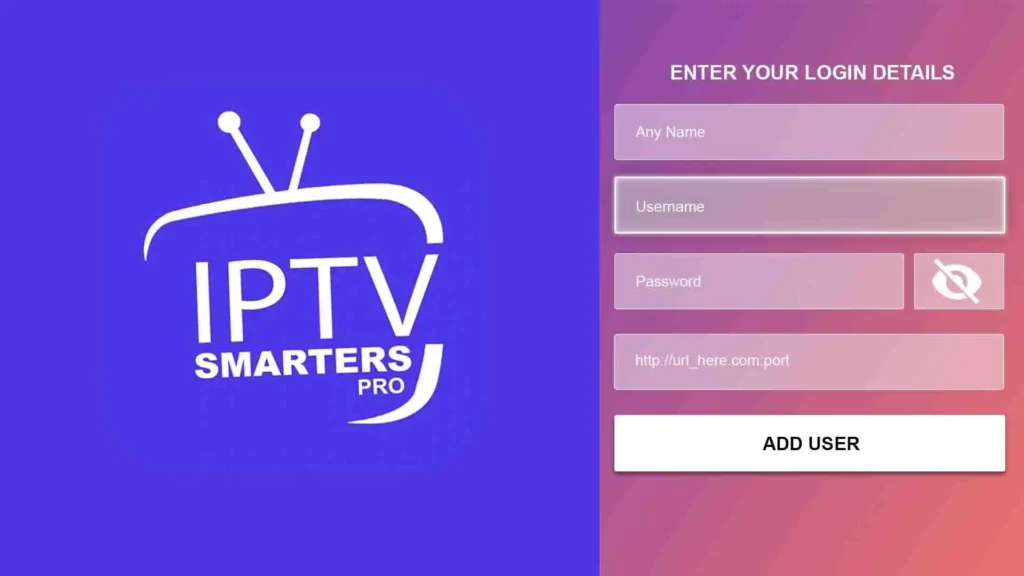
9. IPTV Smarters Pro (Web Version)
You won’t find IPTV Smarters Pro in the LG Content Store — but that hasn’t stopped it from becoming one of the most-used apps across all platforms. And for LG TV users, there’s a clever workaround: access the WebTV version via browser or sideload an unofficial app version.
It’s powerful. It supports Xtream Codes API, M3U, catch-up, VOD, and even account-level customization like parental controls and multiple profiles. If you’re already using IPTV Smarters on mobile or Firestick, you’ll feel right at home here.
Why it dominates:
✅ Clean UI with premium-level features
✅ Full Xtream support, VOD, and series layout
✅ Can be accessed through LG’s browser workaround
Downsides:
❌ Not officially available on LG WebOS
❌ Needs good internet to run smoothly in browser mode
Pro tip: If you already love Smarters Pro elsewhere, there’s no reason not to bring it to your LG TV.
10. TiviMate (via External Android Device)
Let’s be honest — TiviMate isn’t made for LG TVs. It’s an Android-only app. But it’s so damn good, it still deserves a spot on this list. If you’re using a Firestick, Android TV box, or Nvidia Shield plugged into your LG screen, TiviMate gives you arguably the best IPTV experience available today.
The interface is smooth as silk. Playlist sorting? Flawless. Multi-view, catch-up TV, rich EPG layouts, themes, and recording (in premium)? All there. If you want IPTV to feel like real television — modern, fast, intuitive — this is the gold standard.

Why it’s elite:
✅ Beautiful UI with grid-style EPG
✅ Fast channel zapping and playlist handling
✅ Great for Xtream, M3U, VOD & more
Keep in mind:
❌ Not compatible with LG WebOS directly
❌ Requires external device + TiviMate Premium for full features
Verdict: If you’re serious about IPTV and have an Android box, TiviMate is untouchable.
Not all IPTV apps are created equal — and when it comes to LG Smart TVs, compatibility is half the battle. With WebOS quirks, store limitations, and varying playlist formats, choosing the right app isn’t just convenient — it’s essential.
Whether you’re after the simplicity of SS IPTV, the flexibility of Flix, the polish of SET IPTV, or the power of TiviMate via an external device, the apps in this list are tested, trusted, and built to give you a smoother streaming experience in 2025.
Skip the guesswork. Choose the one that fits your setup — and enjoy IPTV the way it’s meant to be: sharp, stable, and seamless.